

Our Kurunegala Data Centre Is Now Live in Beta
HostGrap's new Kurunegala data centre is live in beta: 8 to 10 ms ping on Sri Lankan fibre, a 2 Gbps SLT uplink and backup power. Plans open 1 December 2026.
CVE-2026-119618 is a critical flaw in Apache's HTTP/2 module, fixed in Apache 2.4.71. Learn who is affected, why WordPress updates cannot fix it, and how to patch or turn off HTTP/2.
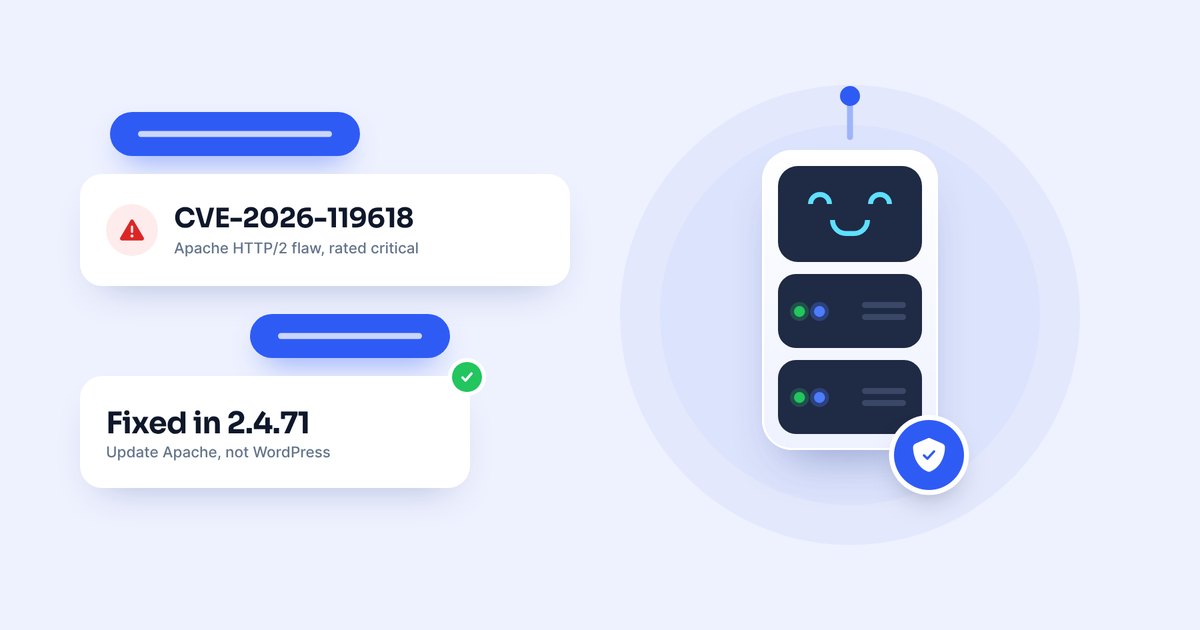
A critical security flaw in Apache HTTP Server, CVE-2026-119618, can let an attacker run code on a server that serves websites over HTTP/2. It affects Apache 2.4.55 to 2.4.70 when the HTTP/2 module is turned on, and Apache fixed it in version 2.4.71, released on 11 November 2026. If your WordPress website runs on Apache, the fix has to be installed on the server by your host or server administrator. Updating WordPress, your plugins or your theme cannot fix it.
CVE-2026-119618 is a memory safety flaw in mod_http2, the part of Apache HTTP Server that handles HTTP/2 connections. Under the right conditions, two parts of the server can write to the same piece of memory at the same time, which corrupts it. A remote attacker who does not need to log in could use this to crash the server or, in the worst case, run their own code on it with the same permissions as the web server.
Apache rates the flaw as critical. HTTP/2 is the newer, faster way browsers talk to web servers, and many hosts turn it on to make websites load quicker, which is why this flaw matters to so many websites.
| Software | Affected versions | Fixed in |
|---|---|---|
| Apache HTTP Server | 2.4.55 to 2.4.70 | 2.4.71 |
| Standalone mod_h2 module | 2.0.8 to 2.0.42 | The latest mod_h2 release |
A server is only exposed when HTTP/2 is turned on in Apache, which means the Protocols setting offers h2 or h2c. Apache uses HTTP/1.1 by default, and a server that serves only HTTP/1.1 is not affected by this flaw.
The version number alone does not always tell the full story. Linux distributions, control panels and hosting vendors often add security fixes to their own builds of Apache without changing the main version number, so a server that still says 2.4.70 may already be safe, and the safe build from your vendor may carry a different number from 2.4.71.
WordPress itself is not the problem. Apache sits in front of WordPress and handles every connection before the request reaches PHP and WordPress. If that Apache server has HTTP/2 turned on and has not been updated, an attacker could target the server directly, and any website or data on that server could be exposed or changed.
This also means that a WordPress security plugin cannot stop this attack. Plugin firewalls work inside WordPress, after Apache has already handled the HTTP/2 connection. The only real fix is an updated Apache on the server.
No. We updated our servers on time, as soon as the fix was released, so HostGrap hosting is already protected against CVE-2026-119618. Websites on HostGrap cPanel, WordPress, business and reseller hosting are served by the LiteSpeed web server, which has its own HTTP/2 code and does not use Apache's mod_http2 module, and the Apache software on our servers has been updated to the fixed version as well. You do not need to change anything in WordPress or cPanel.
If you run your own server on a HostGrap VPS or Virtual Dedicated Server, the software on it is managed by you. If you installed Apache with HTTP/2 turned on, follow the steps for self-managed servers below. If you are not sure how to check, ask HostGrap AI on WhatsApp for the steps.
If you use shared or managed hosting from another company, look for an announcement about CVE-2026-119618 on your host's website or status page. If you cannot find one, contact them and ask whether the Apache server behind your website accepts HTTP/2, whether the fix for CVE-2026-119618 has been installed, and whether Apache was restarted after the update.
If you manage the server yourself, check which Apache and mod_http2 packages are installed, whether the HTTP/2 module is loaded, and whether any Apache site or virtual host offers h2 or h2c. Then check the security notice from your operating system or control panel vendor to find the build that contains the fix.
Keep in mind that a website can show HTTP/2 to visitors through a CDN, a load balancer or another web server in front of it, while the Apache server behind it only speaks HTTP/1.1. What matters is whether the Apache server itself accepts HTTP/2, including on any direct or internal address.
Install Apache HTTP Server 2.4.71, or the fixed Apache package from your operating system or control panel vendor, and then restart Apache so the new version is actually running. For Linux packages, control panels and container images, follow your supplier's notice, because their fixed build may have a different version number.
If a fixed package is not available yet, turn off HTTP/2 in Apache for now. Remove h2 and h2c from the Protocols setting in the main configuration and in every virtual host, restart Apache, and check that it no longer accepts HTTP/2. Servers that serve only HTTP/1.1 are not affected, so this closes the attack path until you can install the update. Turn HTTP/2 back on once the fixed version is in place.
Whatever you do, keep a recent backup of your website files and database. A backup does not stop the attack, but it lets you recover quickly if a server is ever compromised.
At the time of writing, there are no confirmed reports of attackers using this flaw against real websites, and no public proof that it has been used to take over a WordPress site. A security researcher has published a test that crashes affected Apache servers, which shows the bug is real and can be triggered, so it is wise to patch now rather than wait.
Apache says the flaw was first reported to its security team on 26 October 2026 by Anthropic's OSS Scanner, and that researchers Anthony Weems and Simon Scannell of Google Cloud Vulnerability Research reported it separately on 3 November 2026. Apache released the fix in version 2.4.71 and published the details on 11 November 2026.
If your website runs on Apache with HTTP/2 turned on, make sure Apache has been updated to 2.4.71 or to your vendor's fixed build, or turn HTTP/2 off until it has. WordPress updates will not fix this. If your website is hosted on HostGrap shared, WordPress, business or reseller hosting, we have already updated our servers, and you do not need to do anything.
You can read more in the Apache HTTP Server security notices and in Red Hat's notice for CVE-2026-119618.
HostGrap's new Kurunegala data centre is live in beta: 8 to 10 ms ping on Sri Lankan fibre, a 2 Gbps SLT uplink and backup power. Plans open 1 December 2026.
HostGrap AI answers on live chat and WhatsApp around the clock. See everything it can do, from website checks and IP unblocks to billing, domains and tickets.